How to fit a complex internal tool into a real workflow
Project overview
An internal admin tool created for bank clerks and shop managers to process and manage loans, a B2B part of the MVP of the micro-financing platform.
Original platform language (Russian) was translated to English using Figma AI.
My Role:
Solo UX designer
Focus:
Product thinking, IA, UX Audit, System thinking
Team:
PM, BA, PO, 3 Developers
Company:
Linker Soft Group
Timeline:
3 months, 2024
Impact
30k+ loan requests processed within nine months
Reduced training costs by designing intuitive flows
Developer-ready UI aligned with MUI library
Understanding the system’s logic, dependencies, and mental models before designing
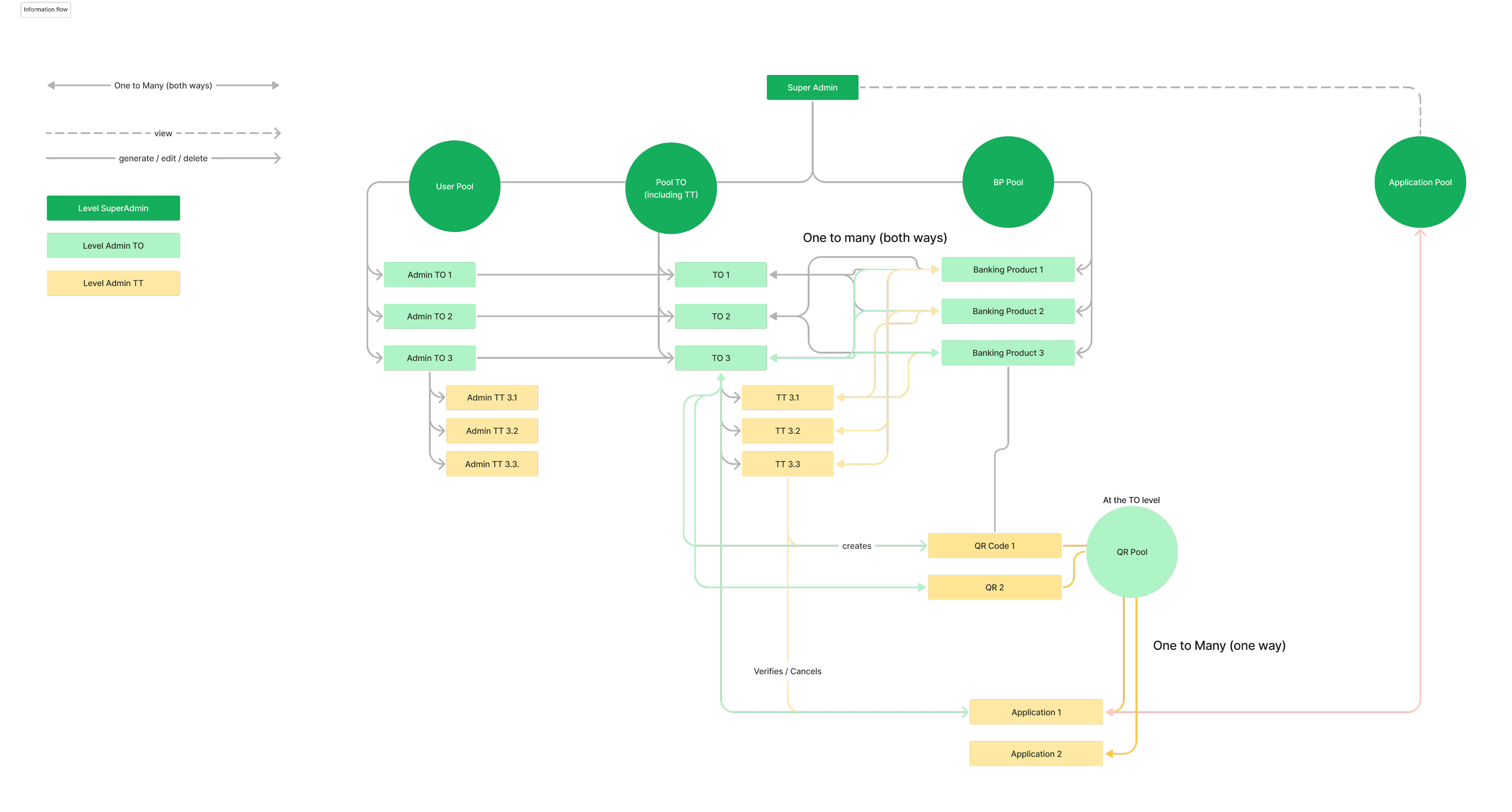
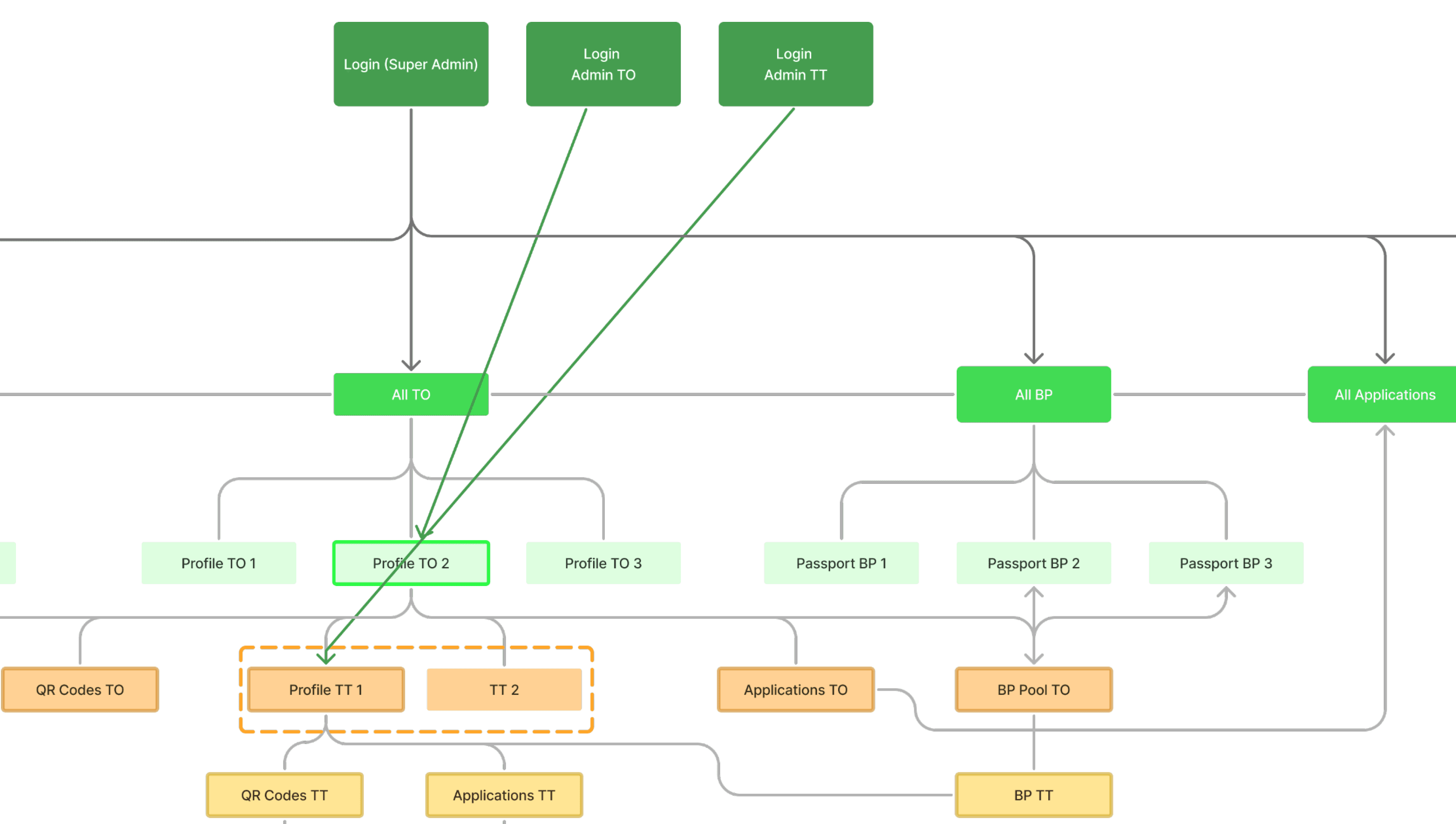
Information Architecture analysis
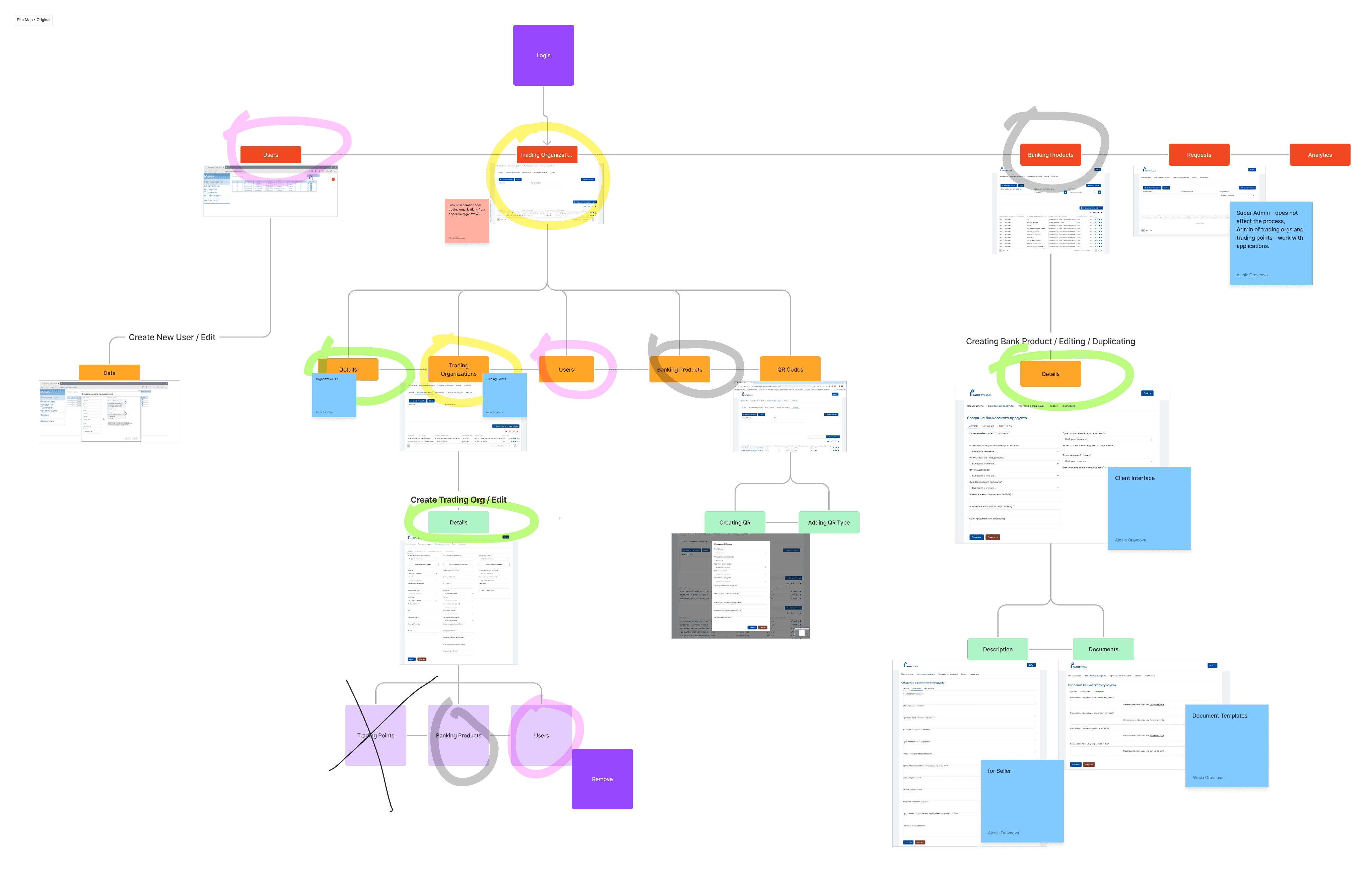
Information flow across roles
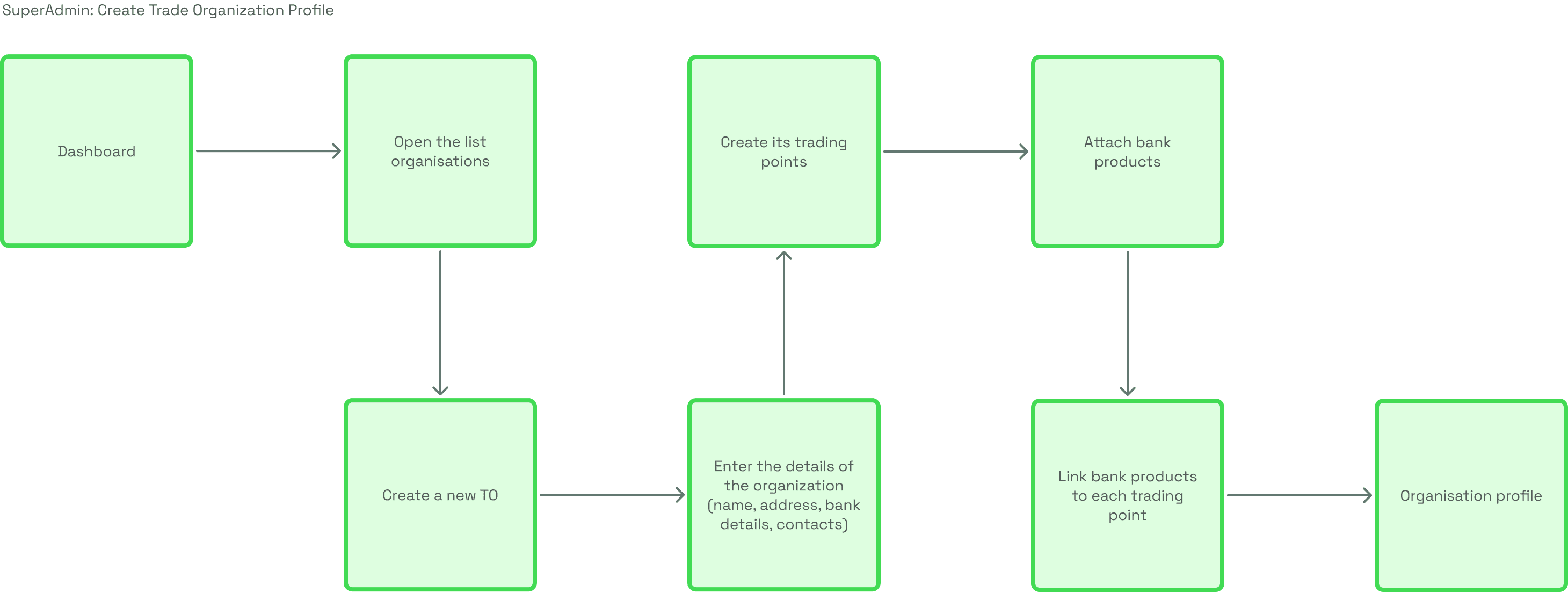
Task analyses example
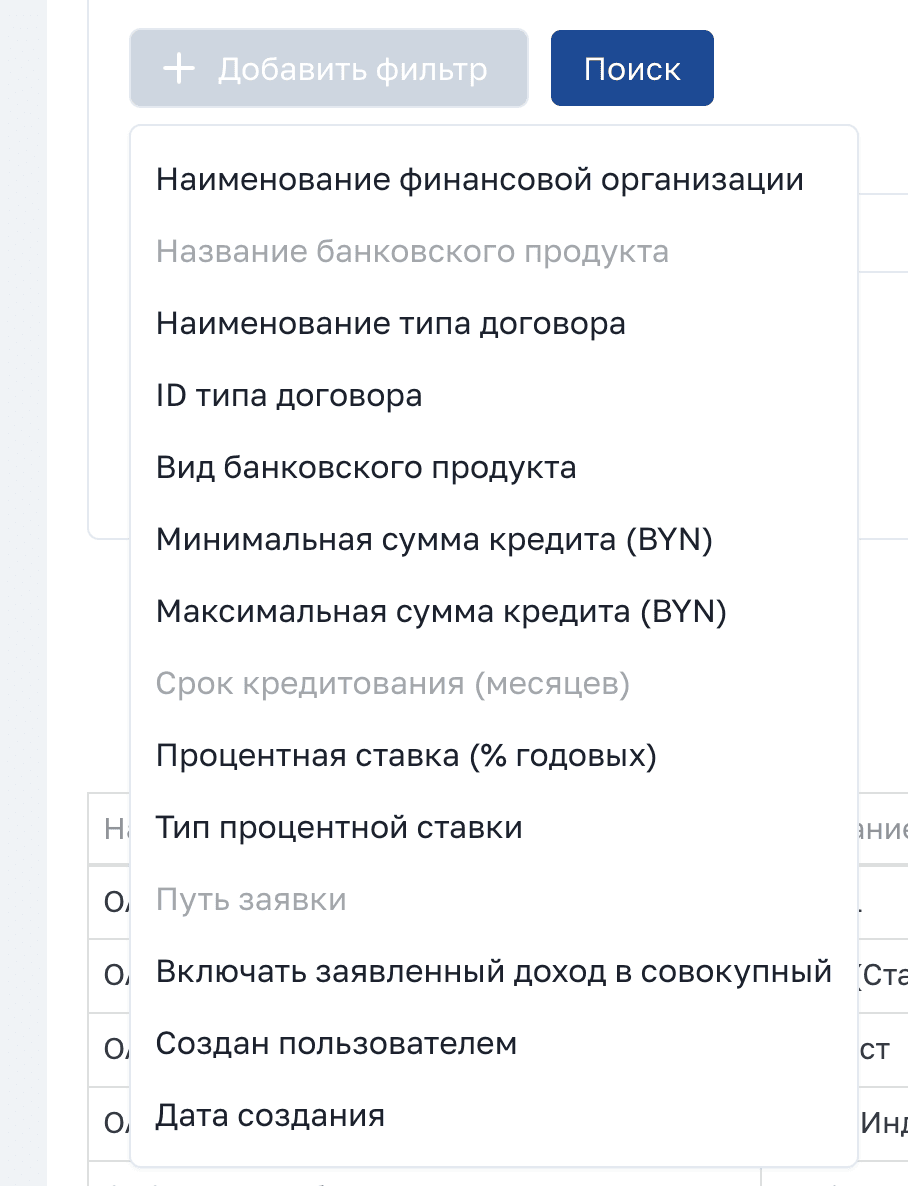
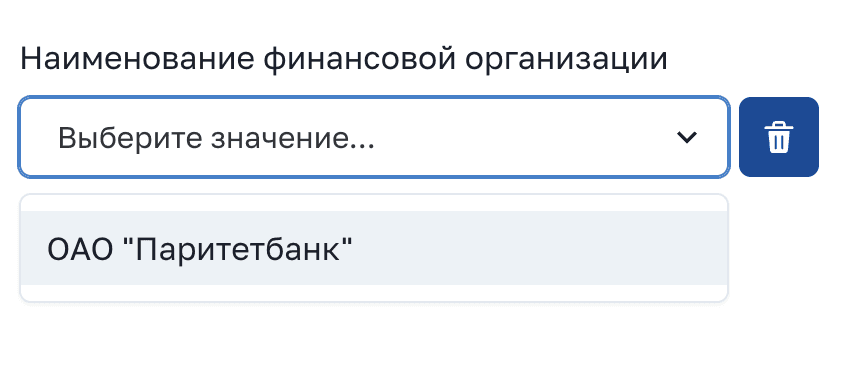
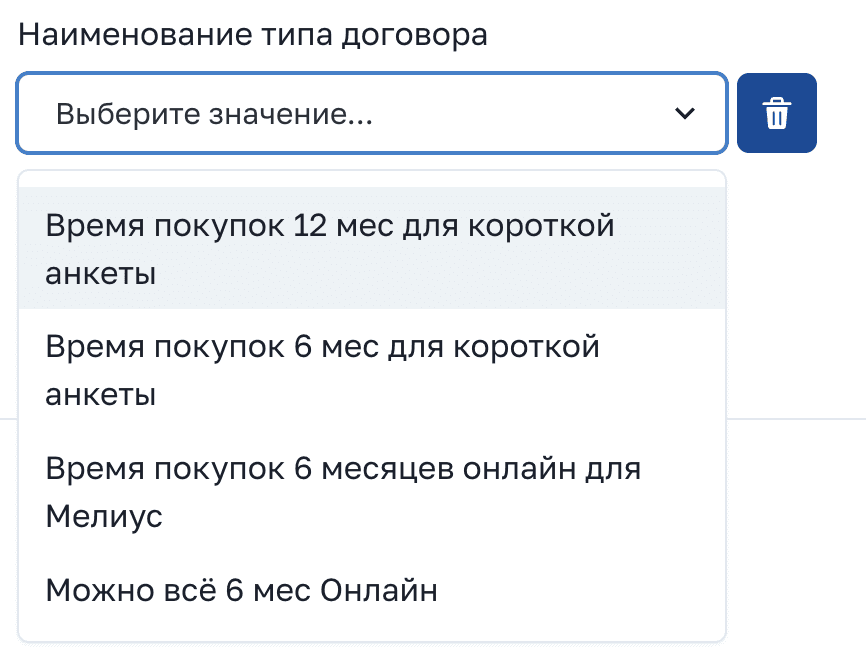
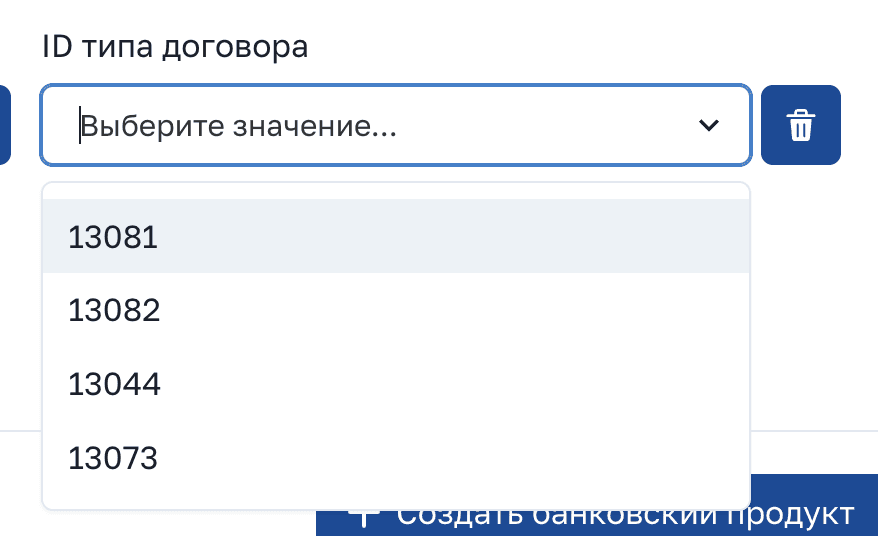
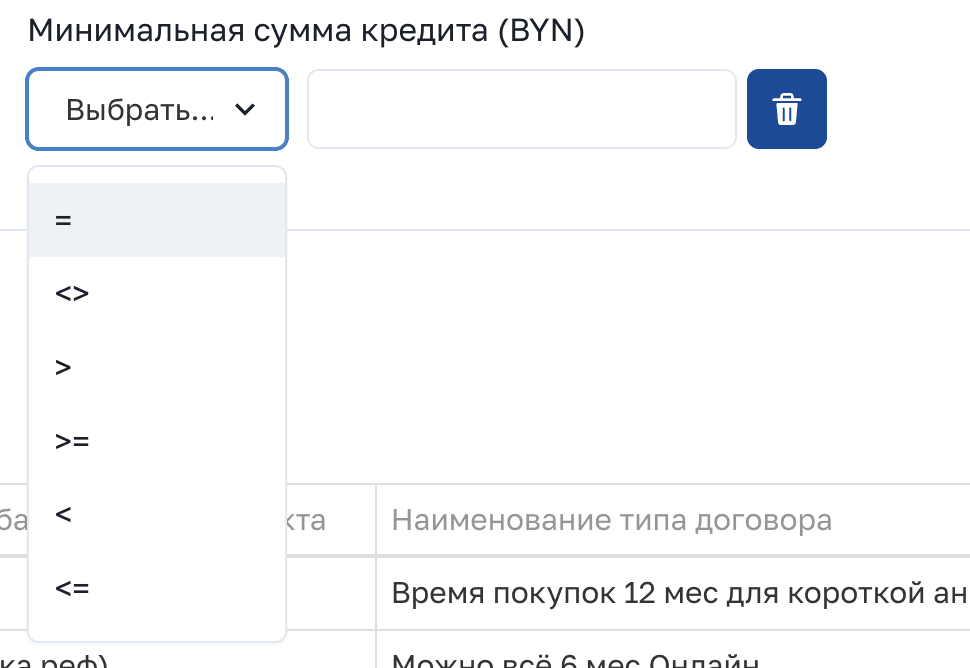
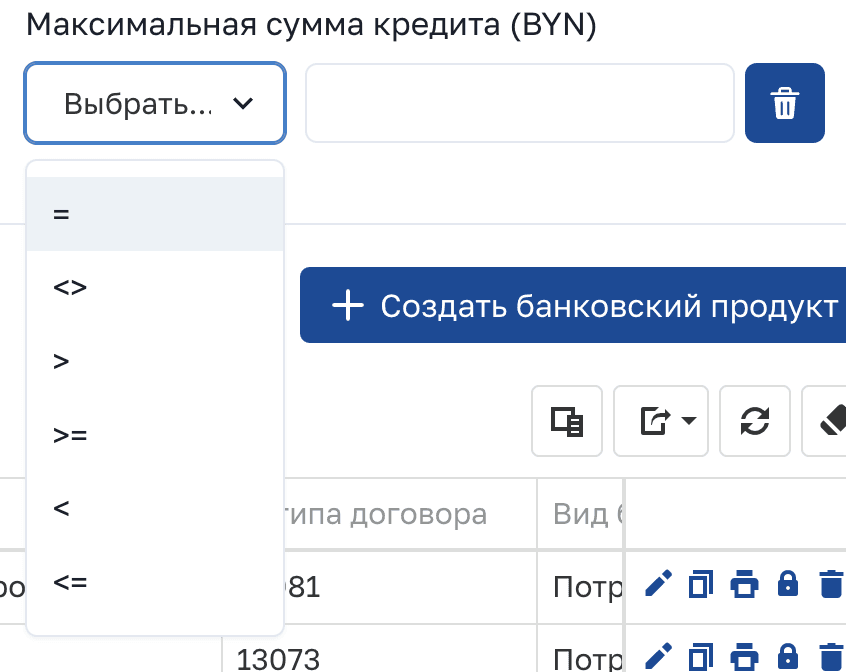
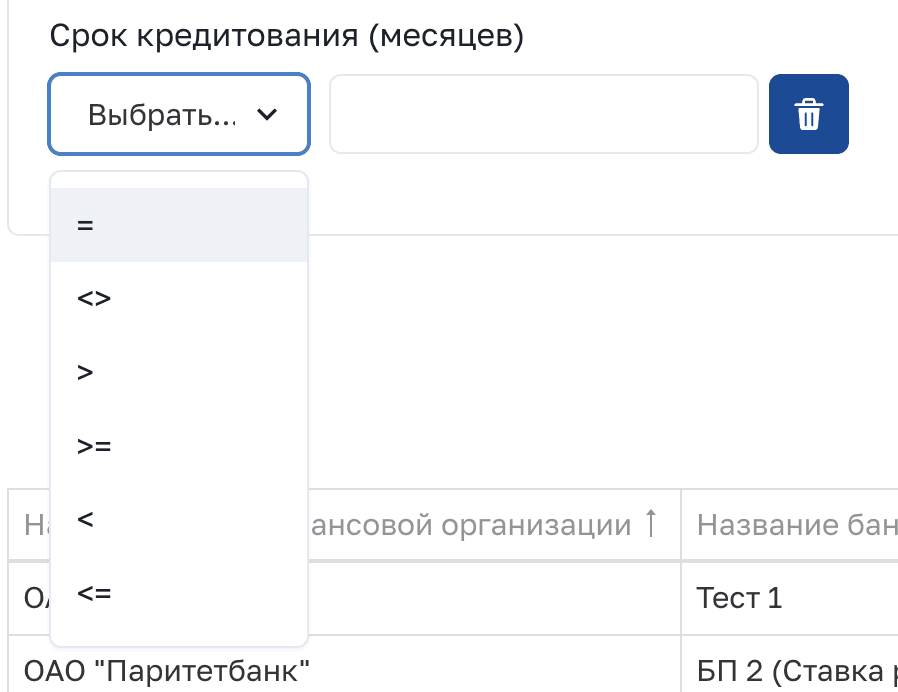
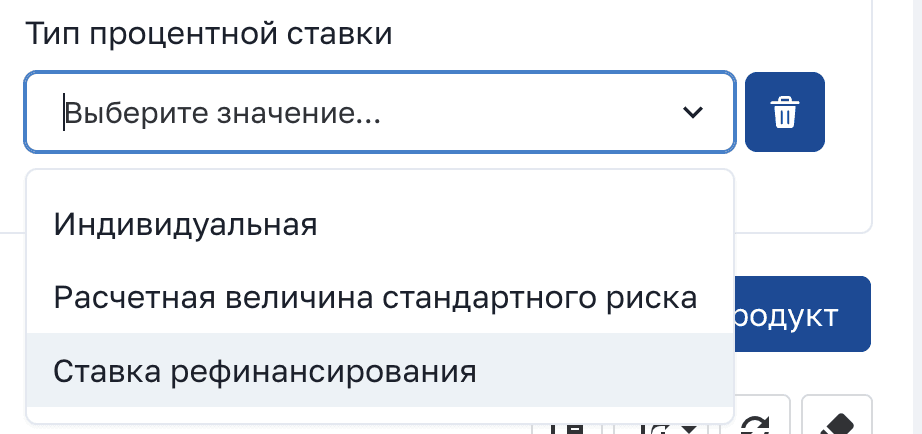
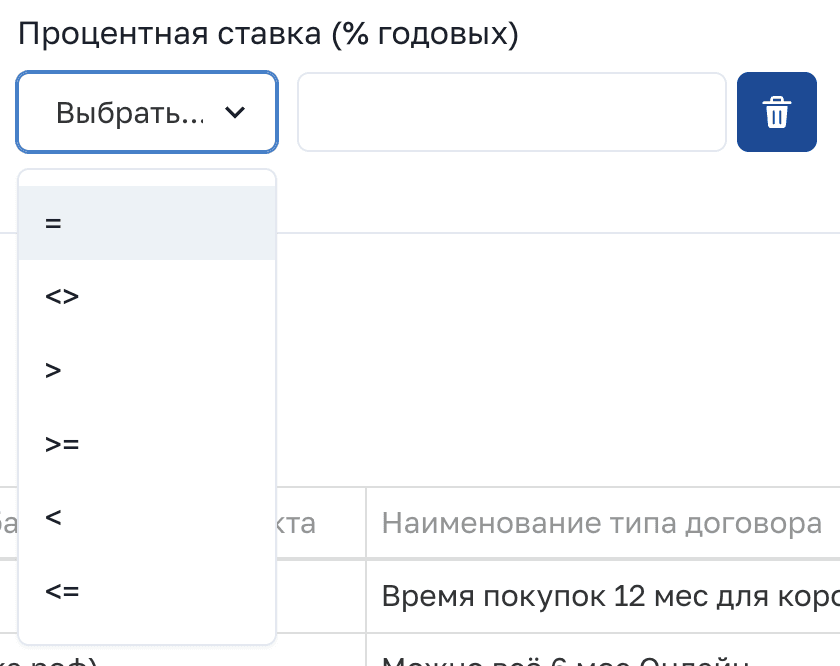
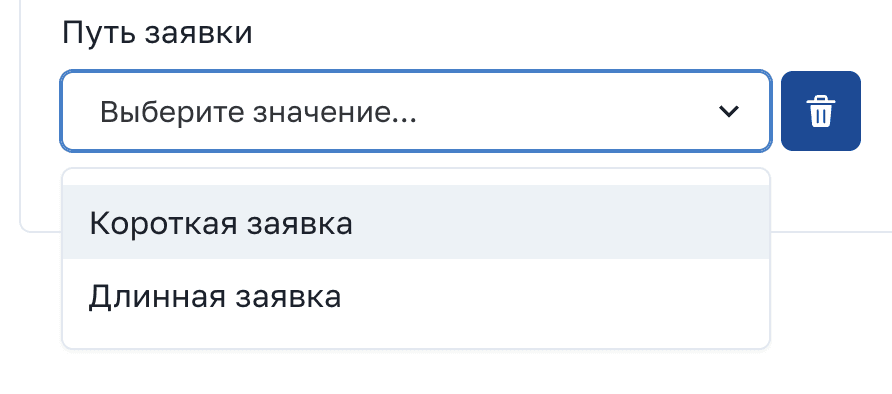


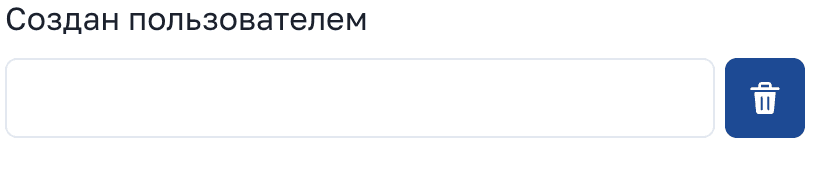
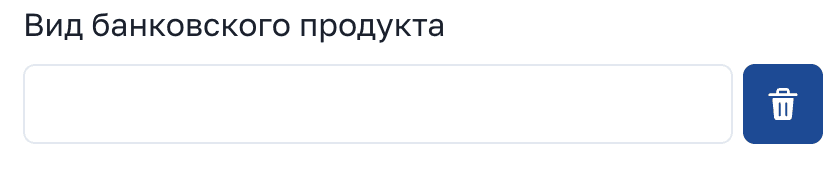
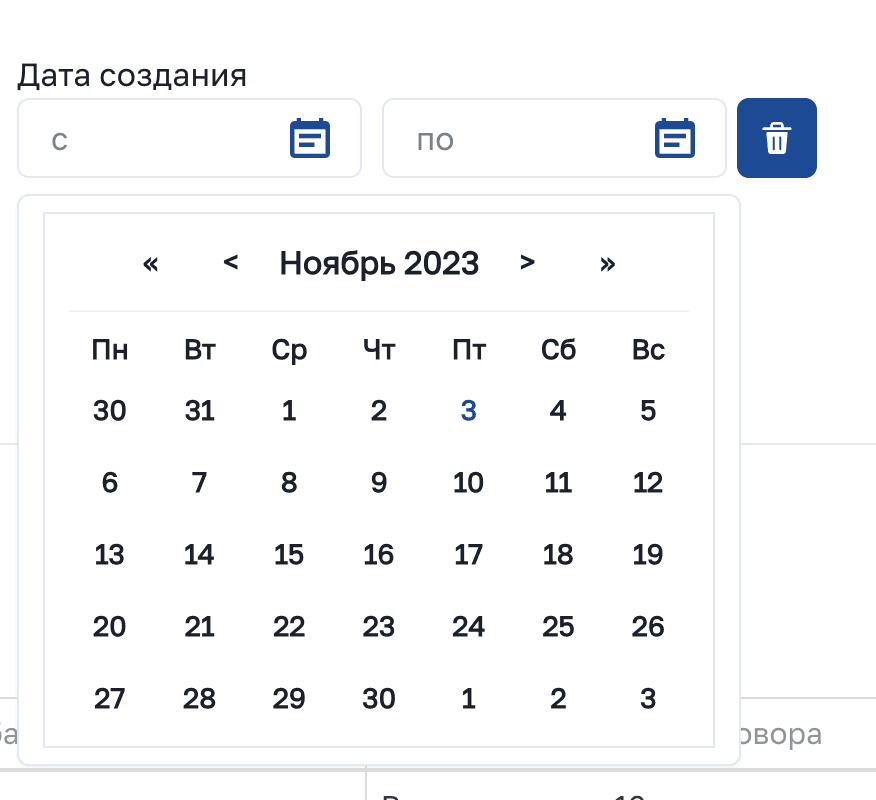
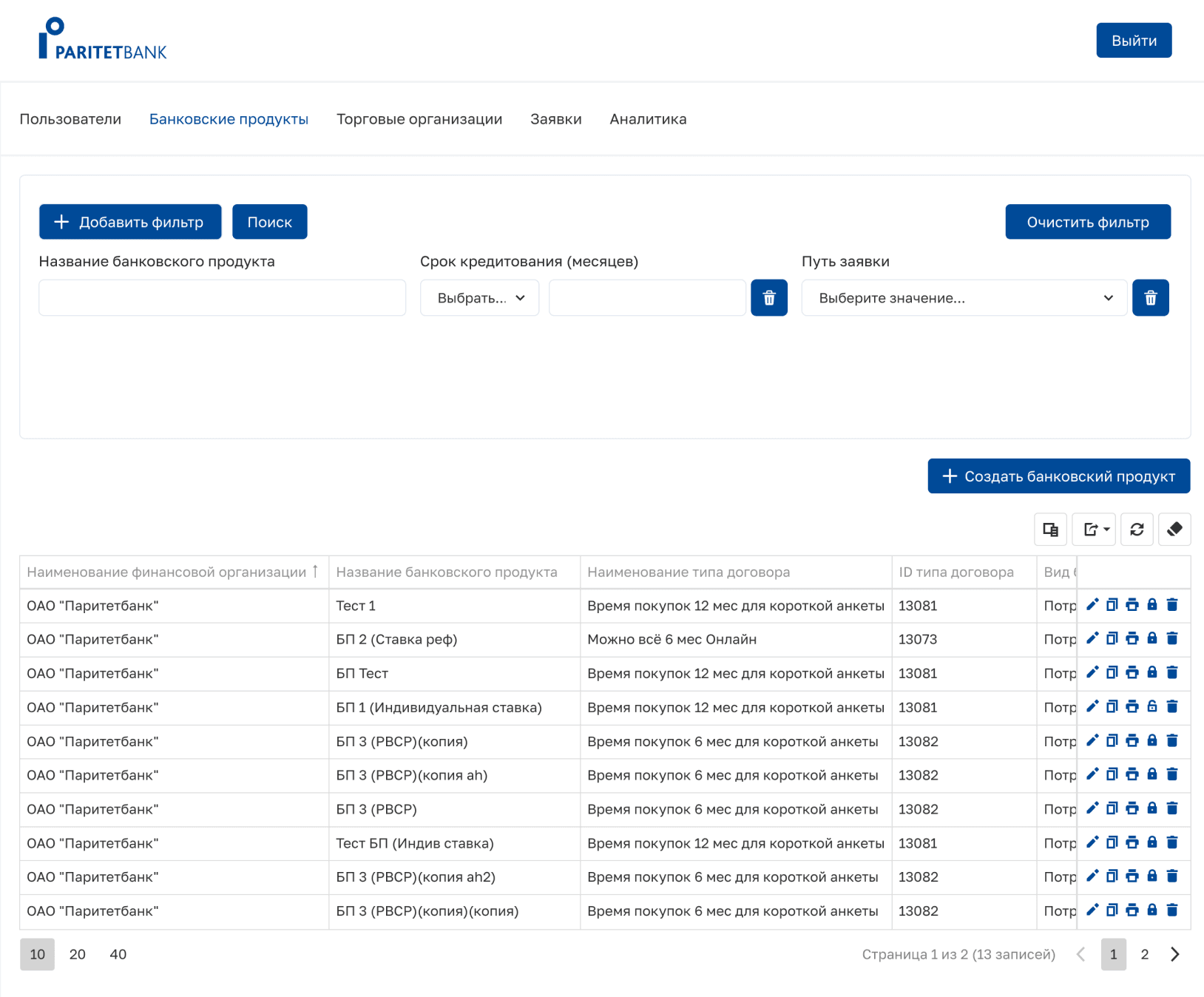
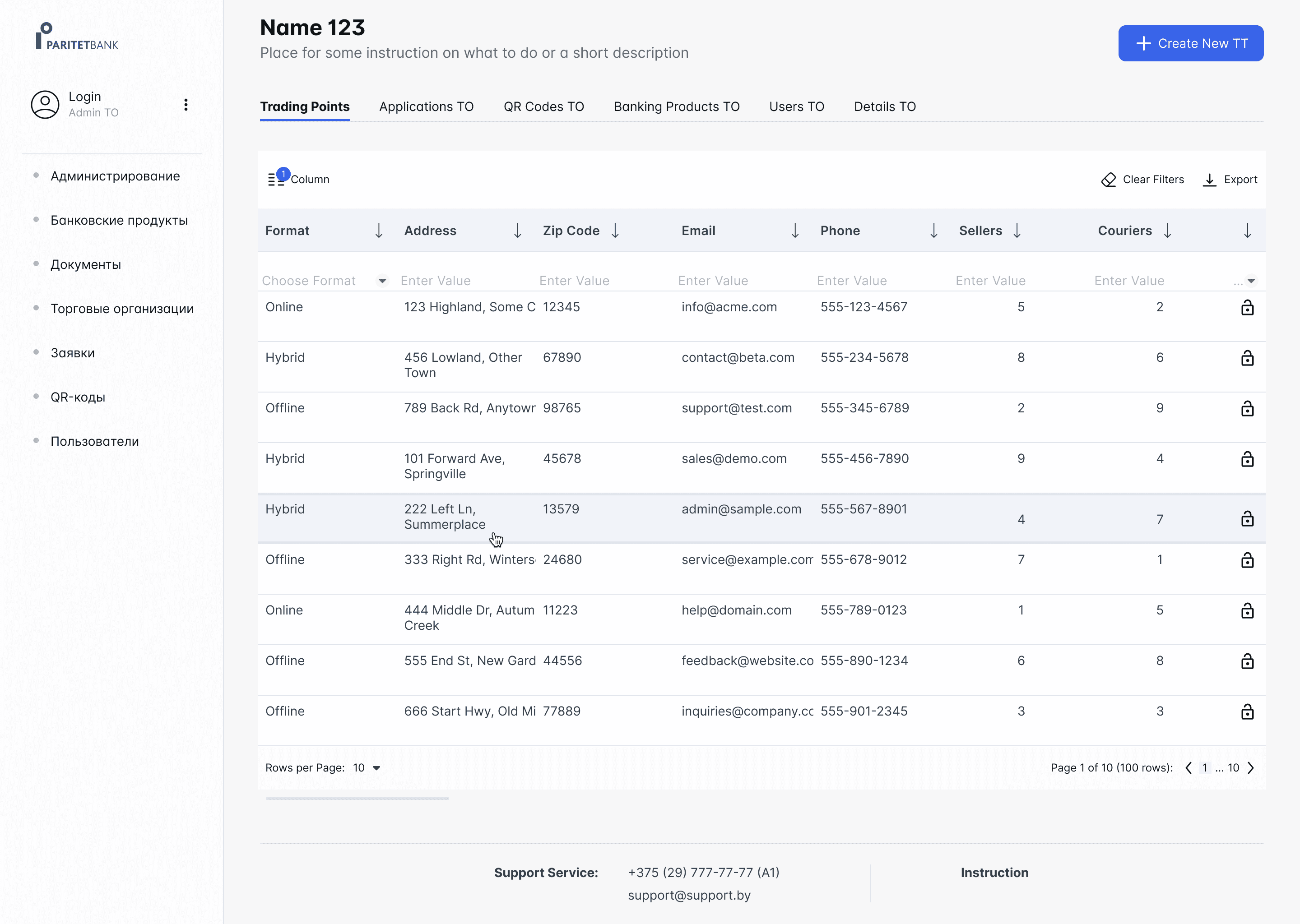
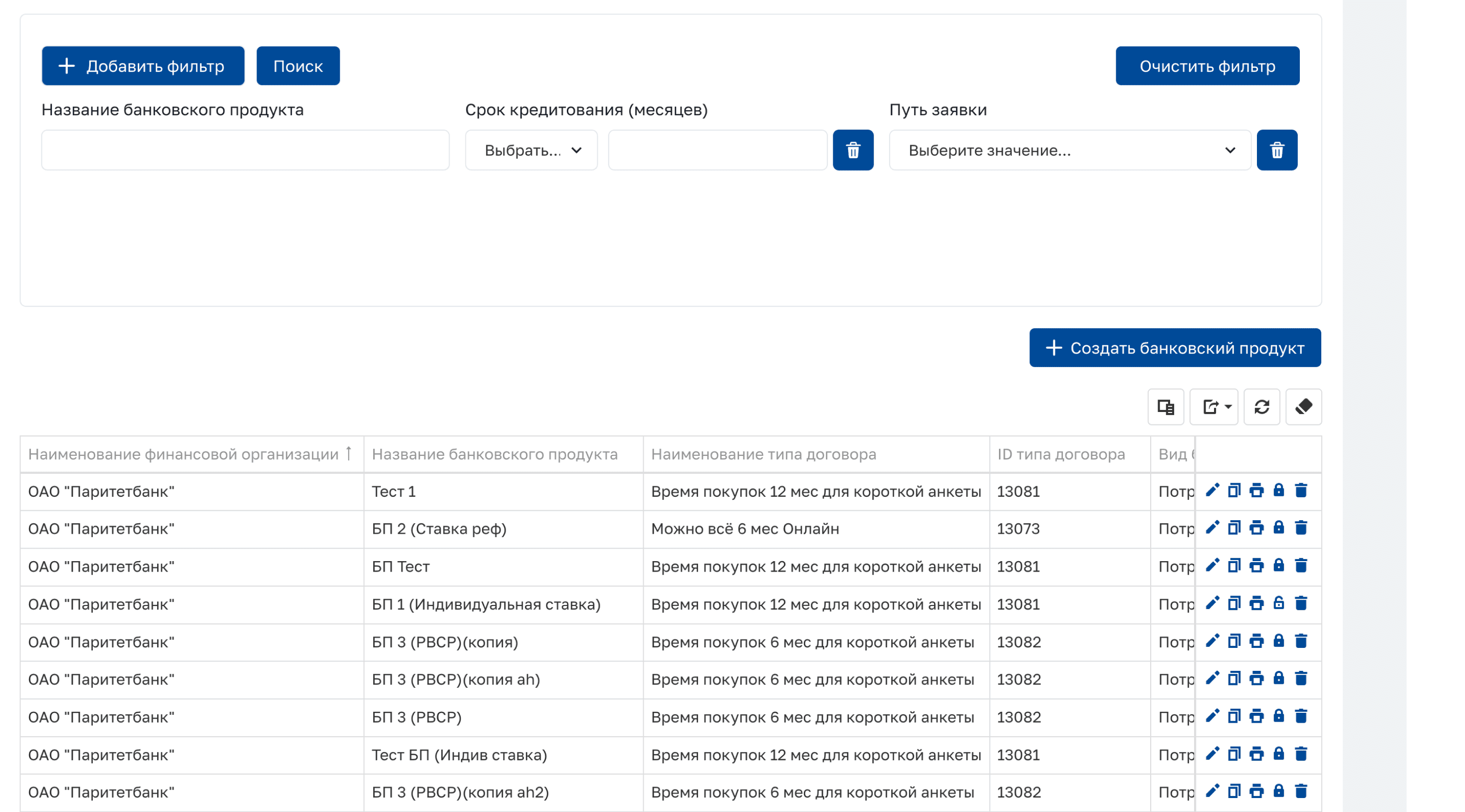
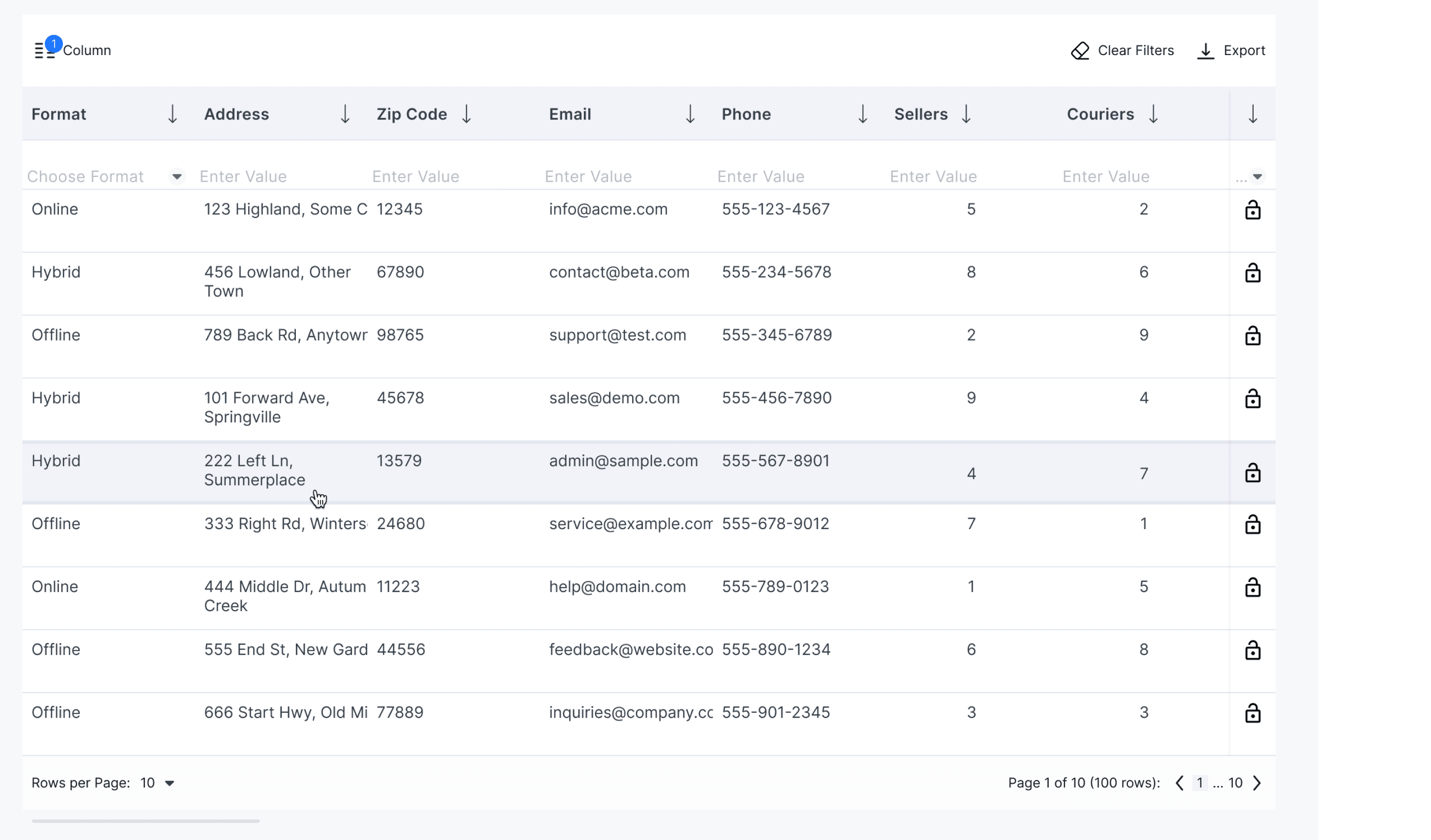
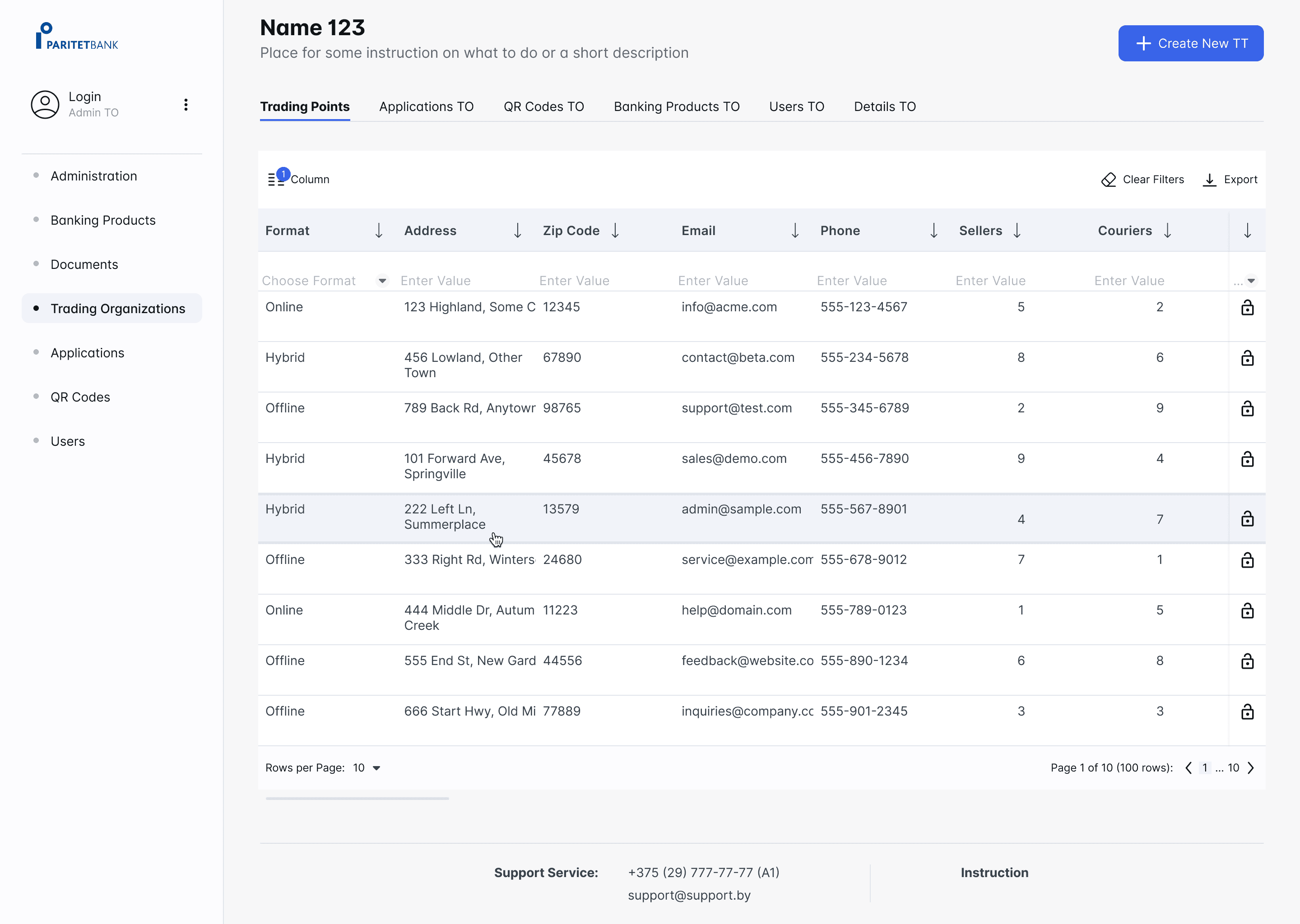
Filters detached from tables, causing confusion
Too many actions in right-side table menu: should I remove only from the table or completely? What if my hand slips and I block the wrong person?
Lack of visual feedback (hover effect, error prevention).
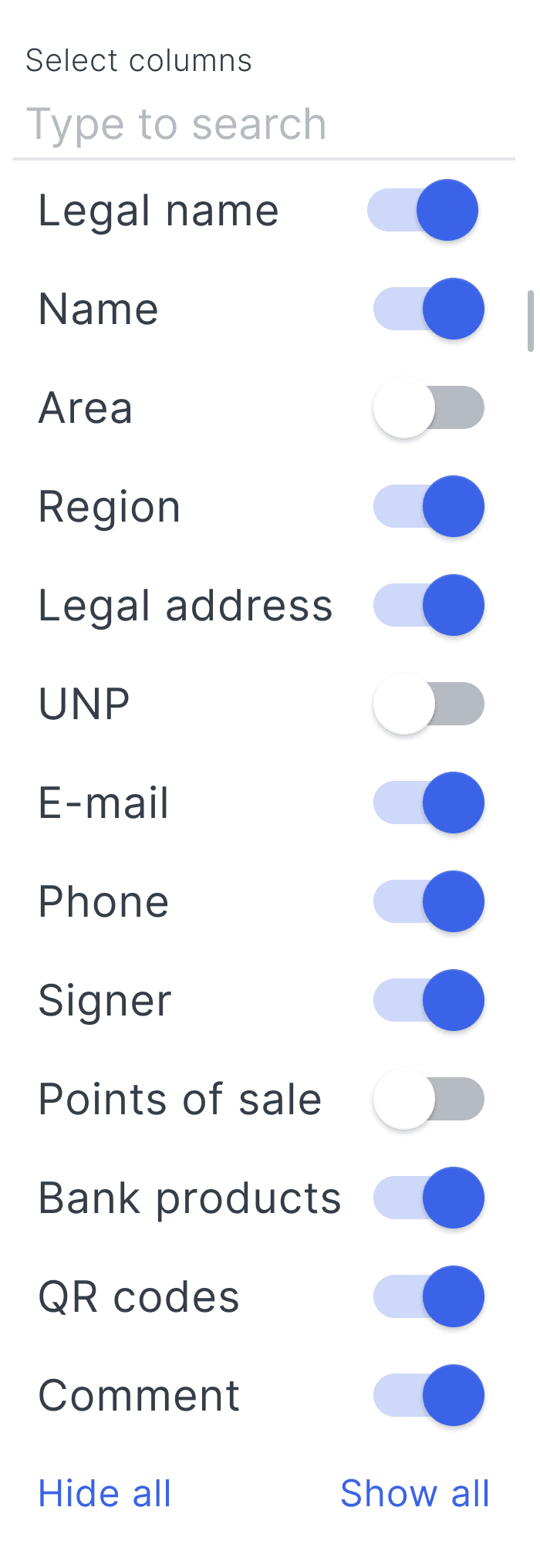
Overloaded tables - too many columns, poor readability.
Heuristics analysis example
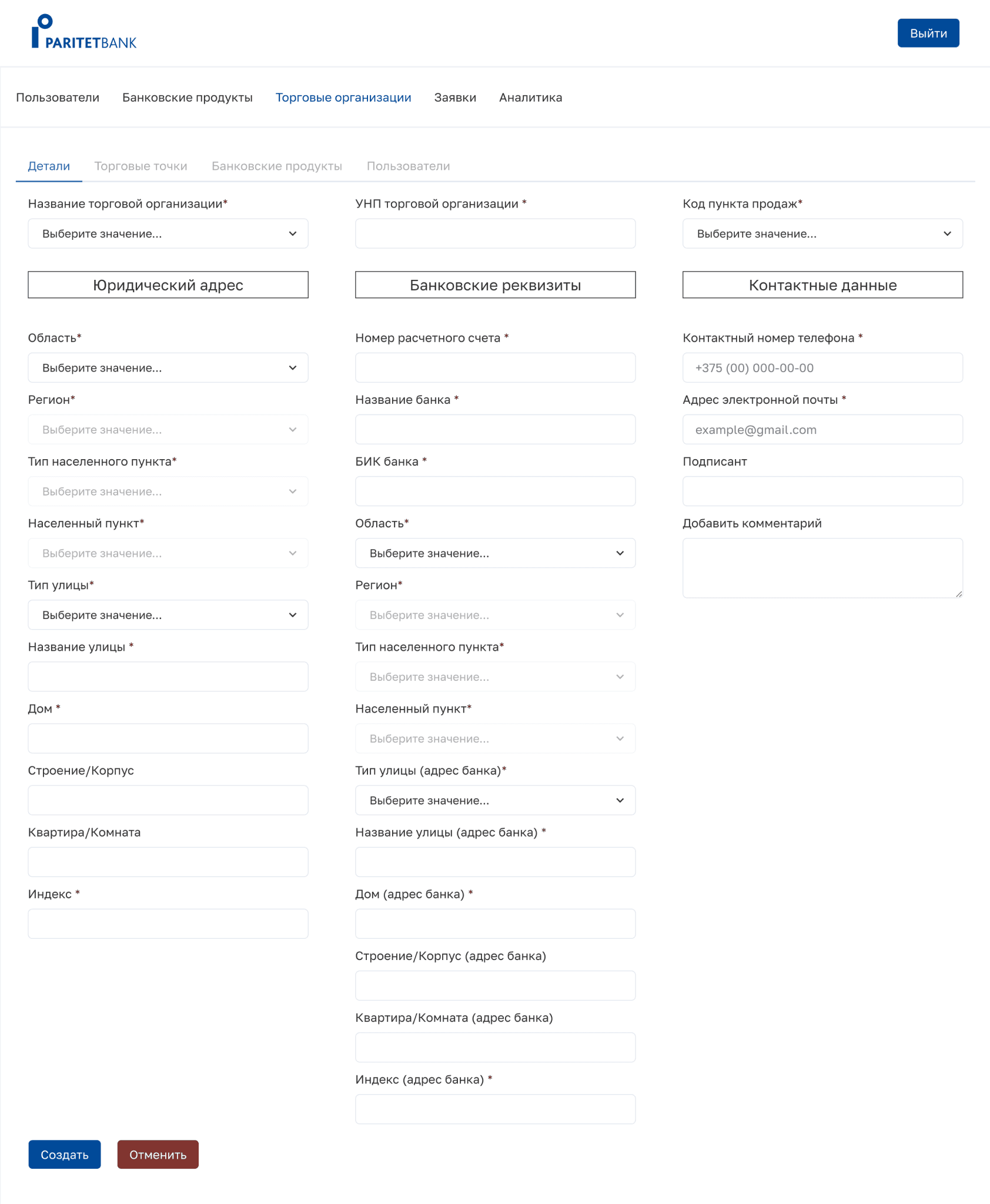
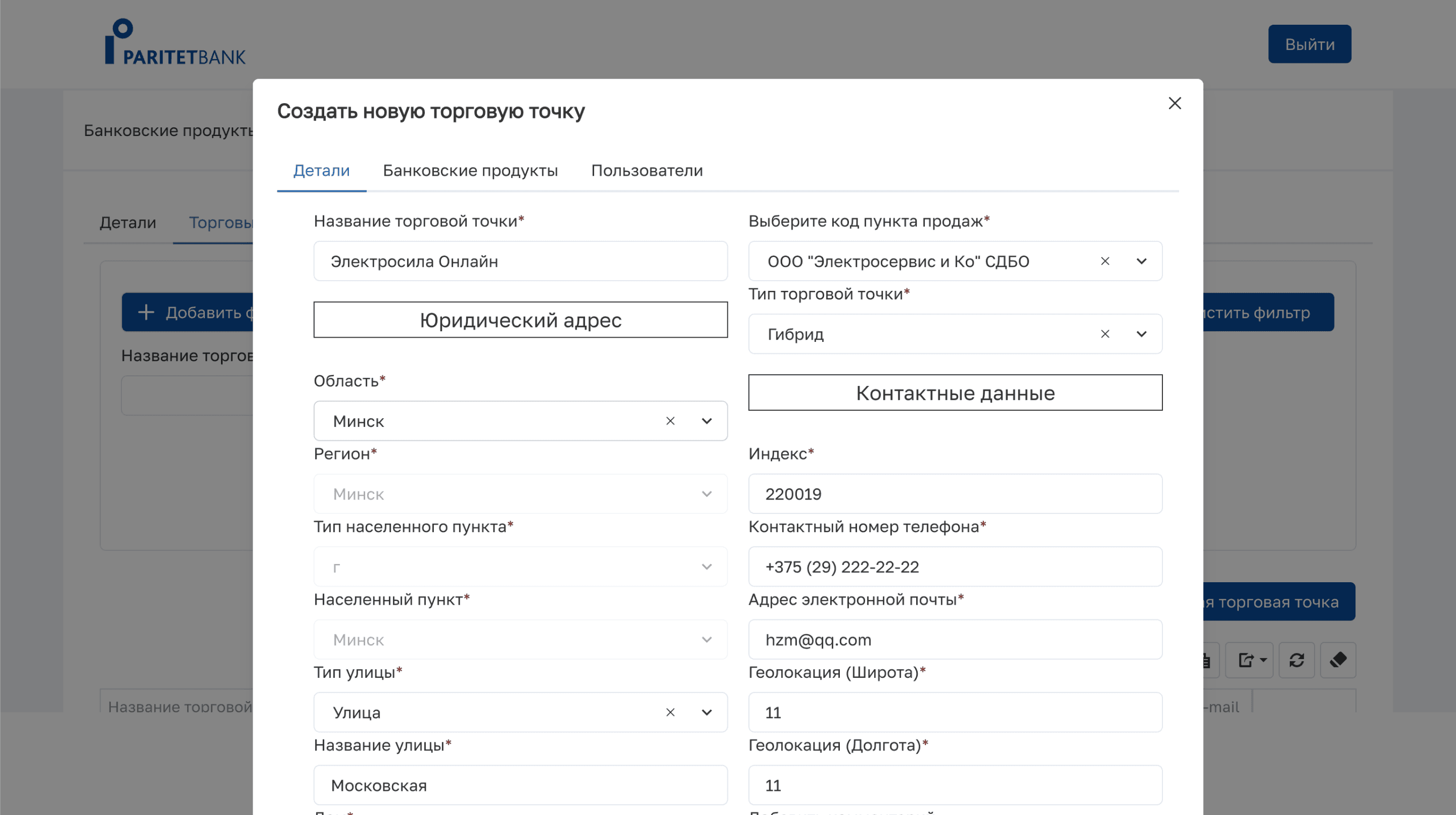
Cognitive load and errors - users have to jump between tabs to complete the flow.
Long form - what happen if the filling up is interacted?
CTA:
fix hierarchy & naming, so user knows what's next
cancel is red and on the right can cause unintended action
Lack of hierarchy and intuitiveness, require to determine information levels.
2 nav bars have the same naming that is confusing.
Heuristics analysis example
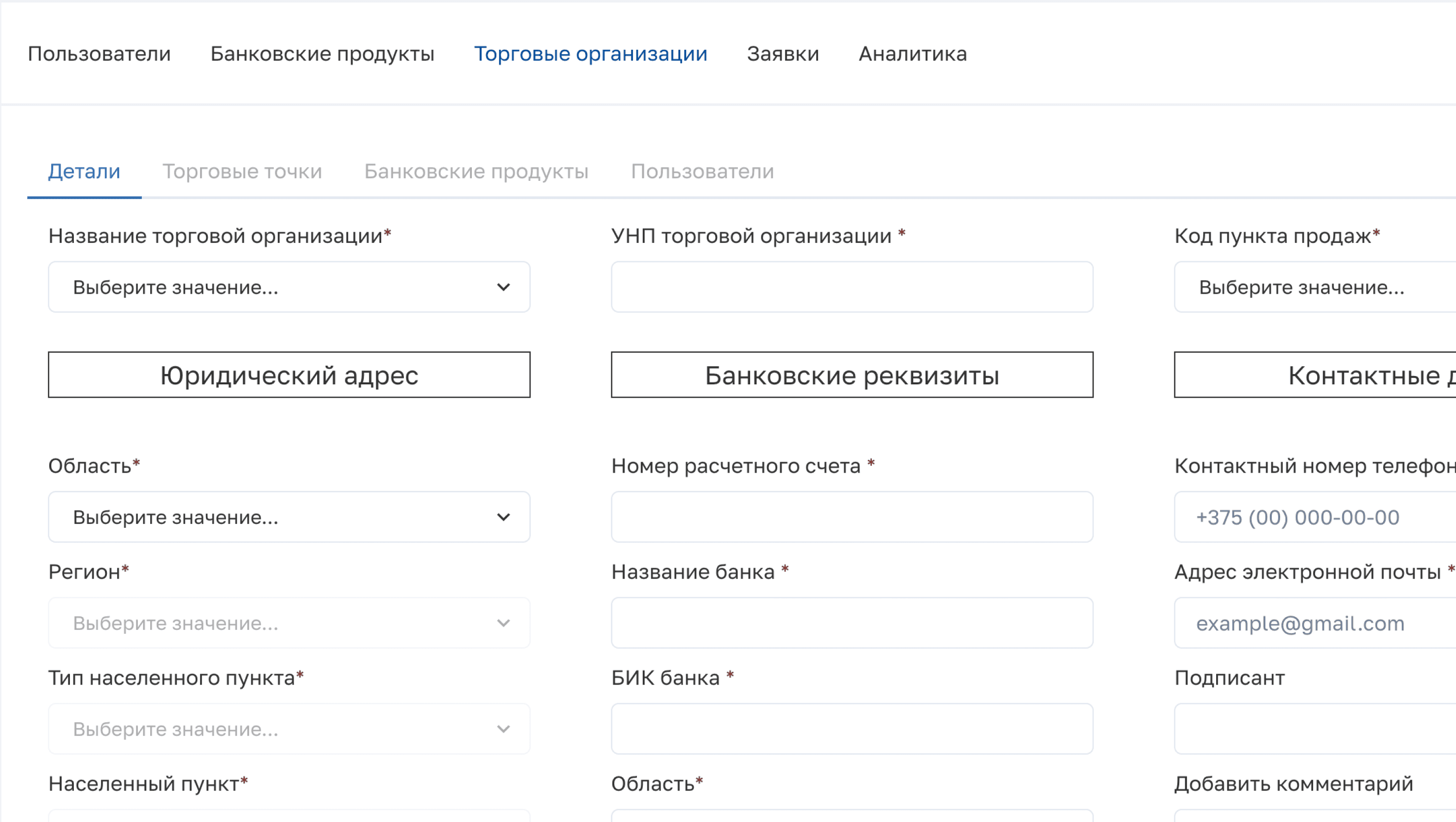
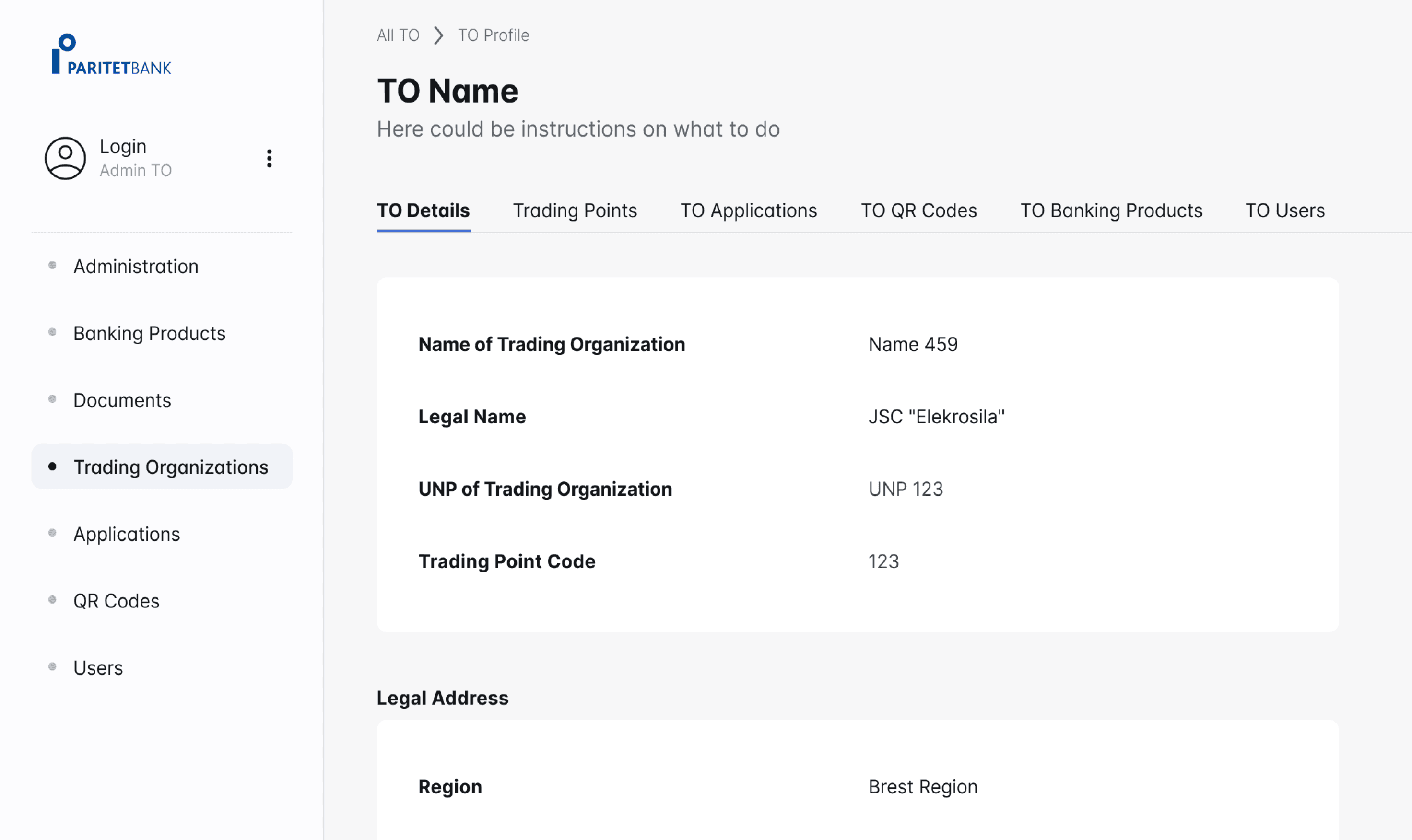
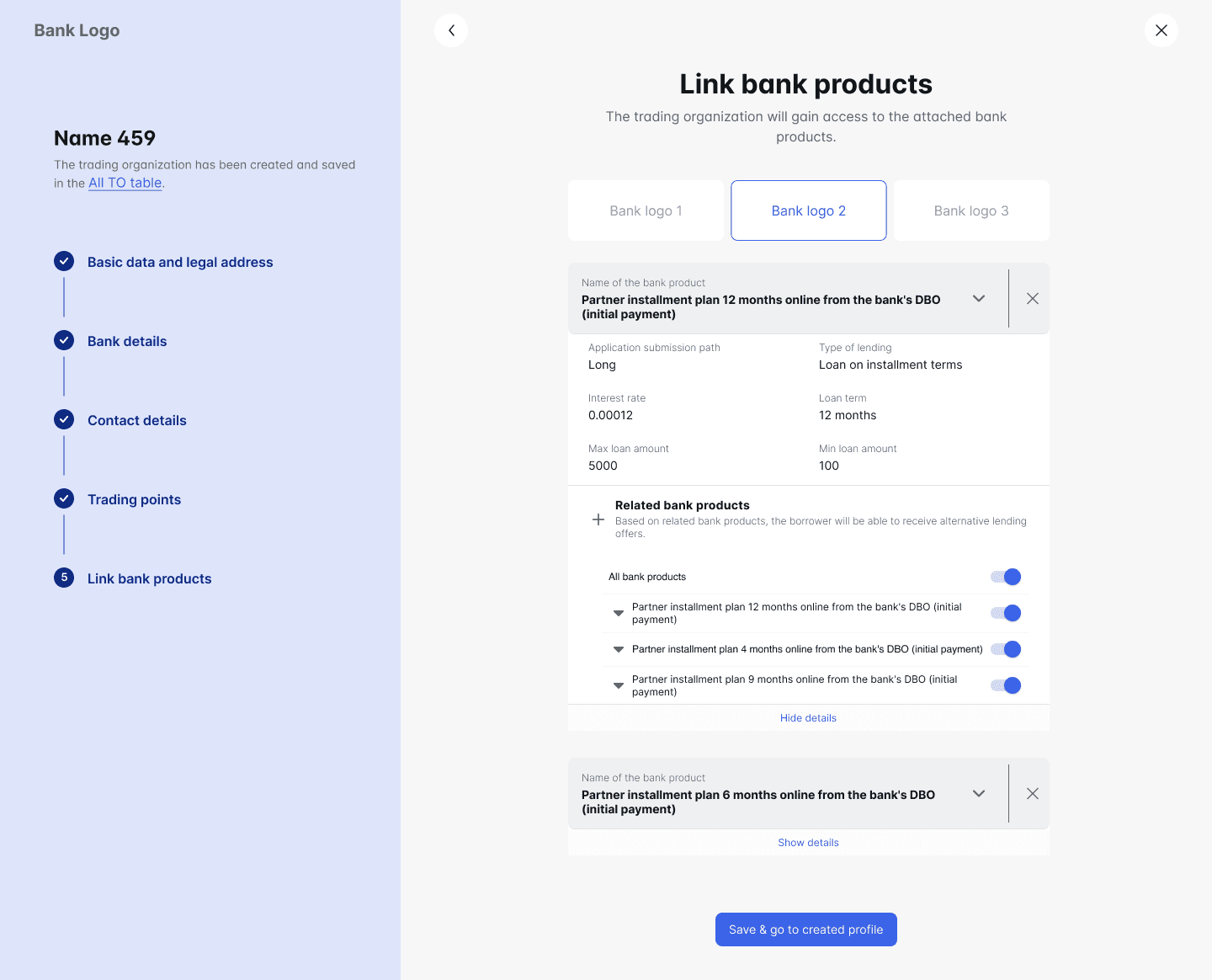
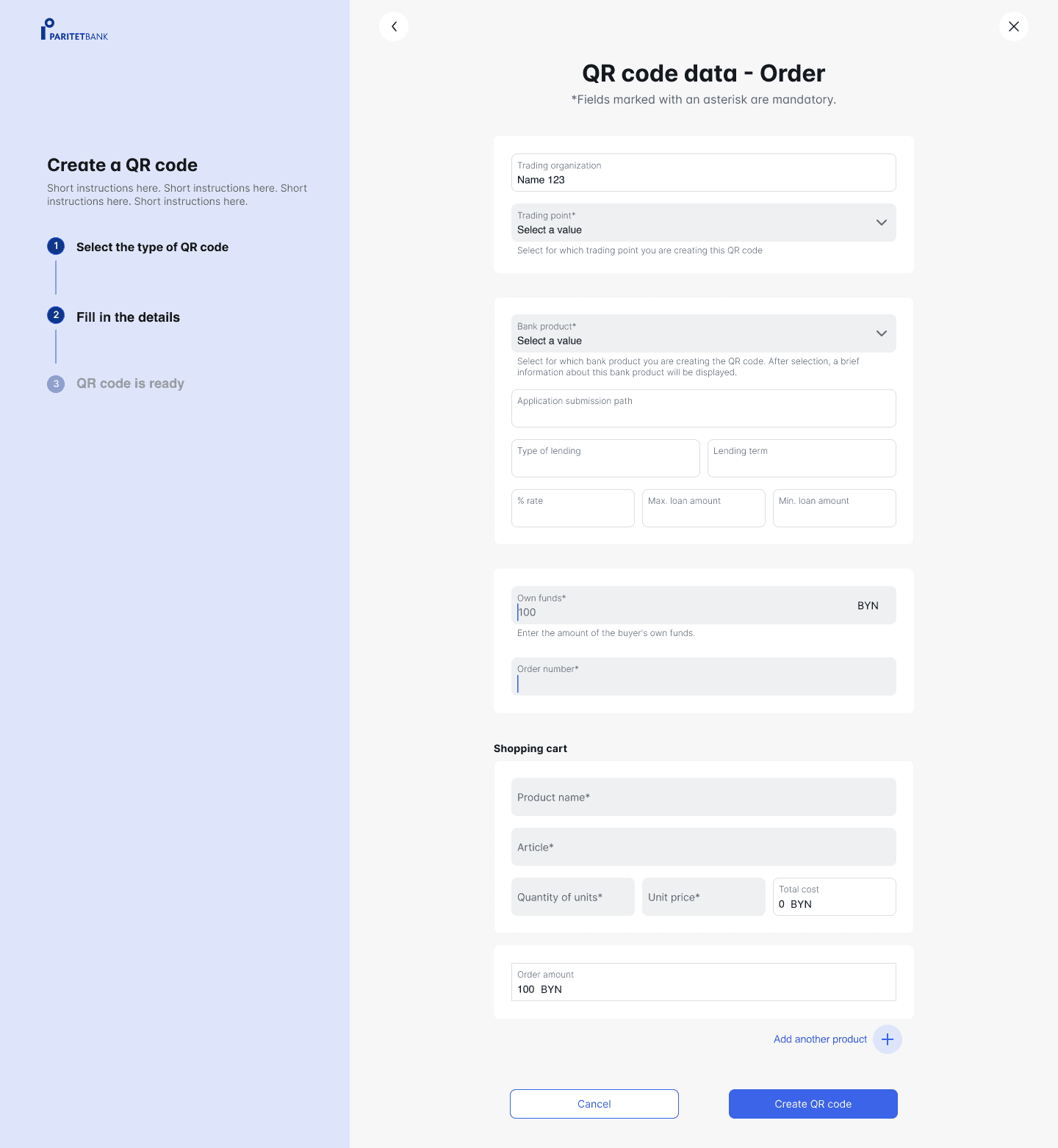
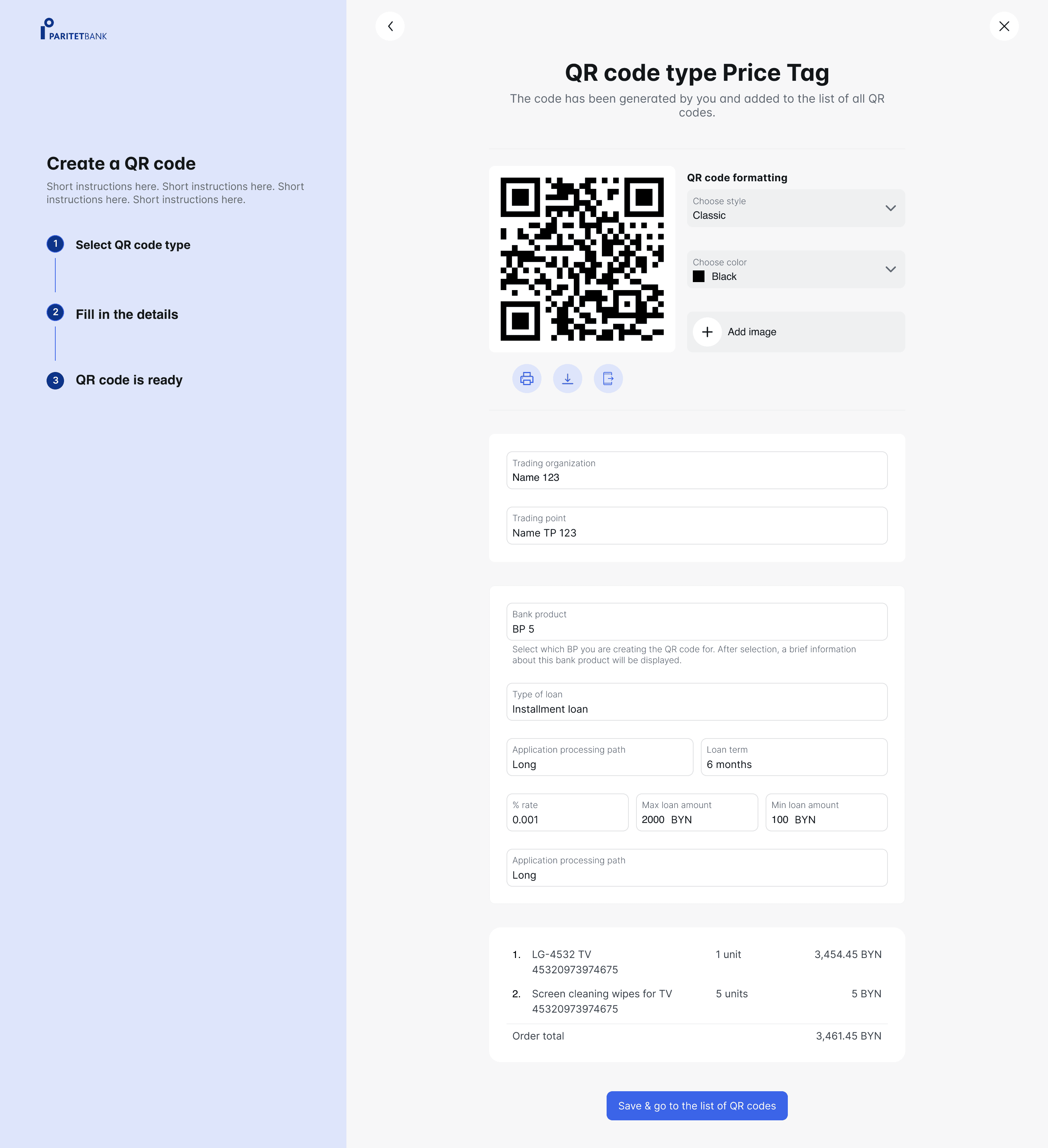
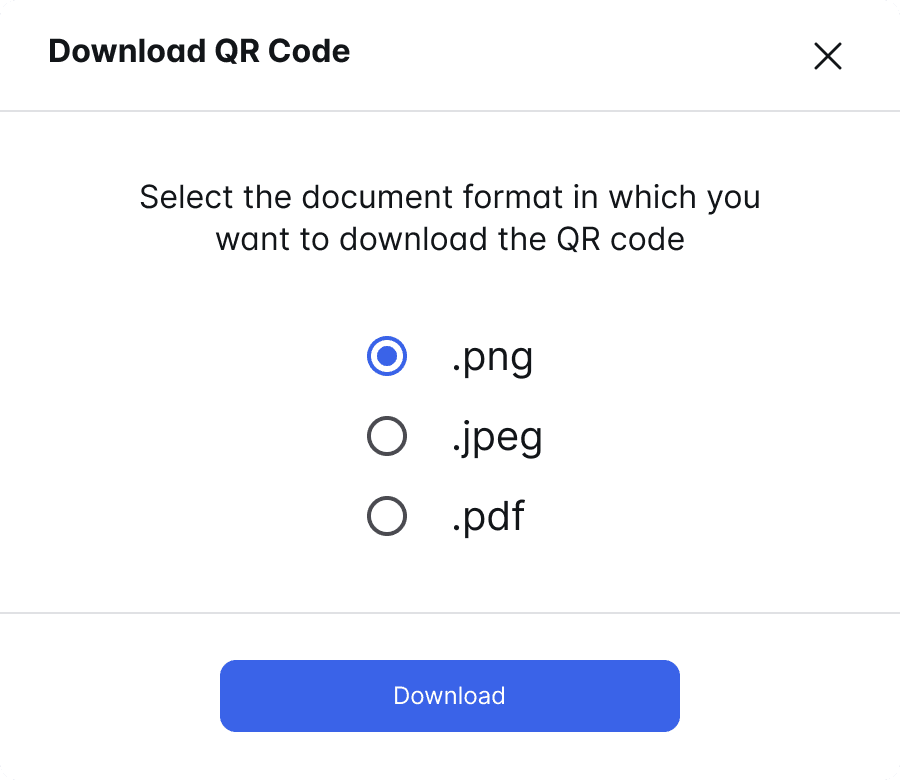
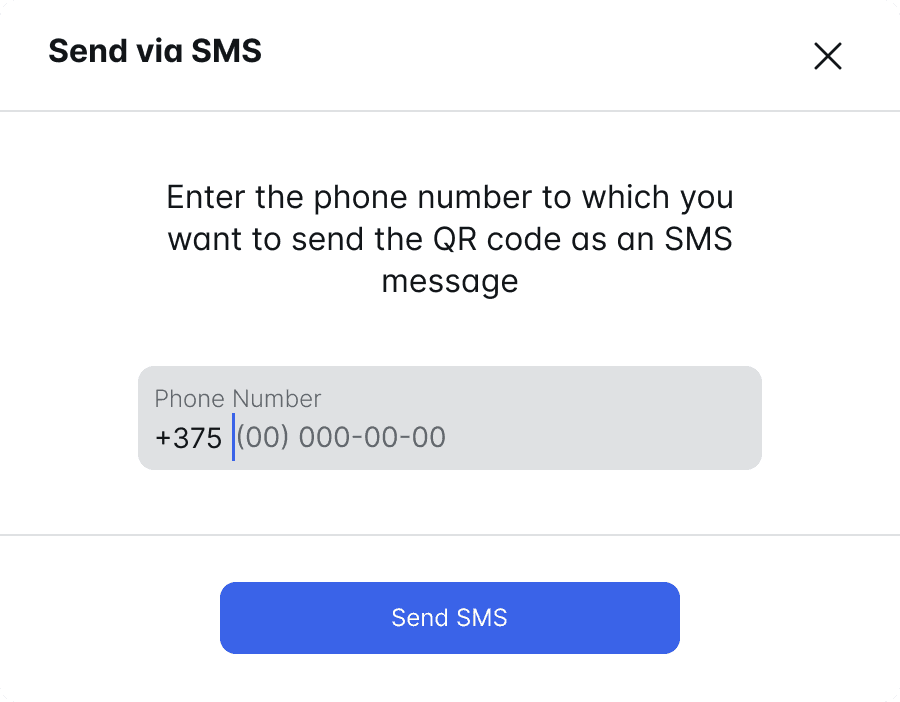
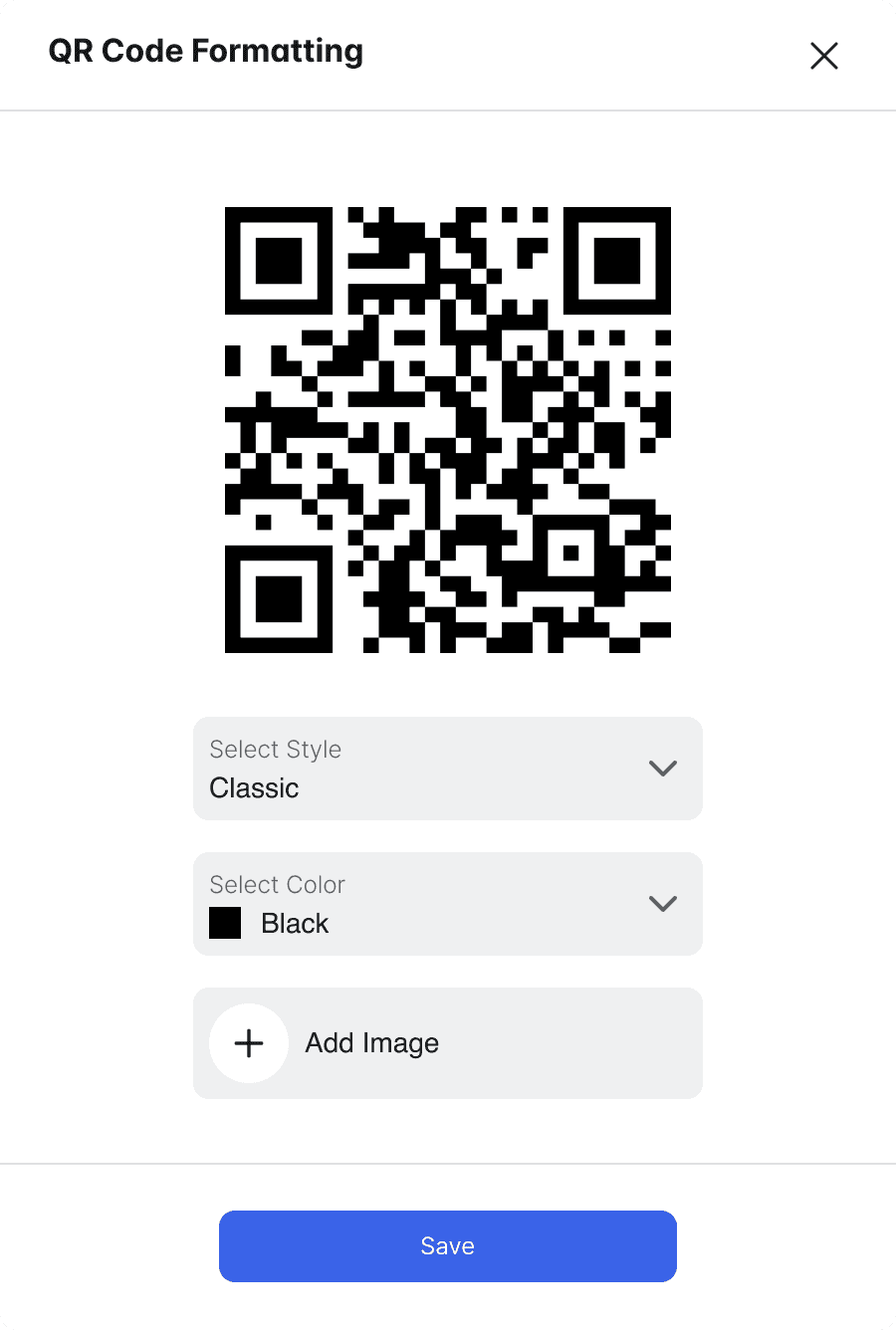
Key UX Improvements to help users to deal with the complexity
01
Before
After
02
Before
After
03
Before
After
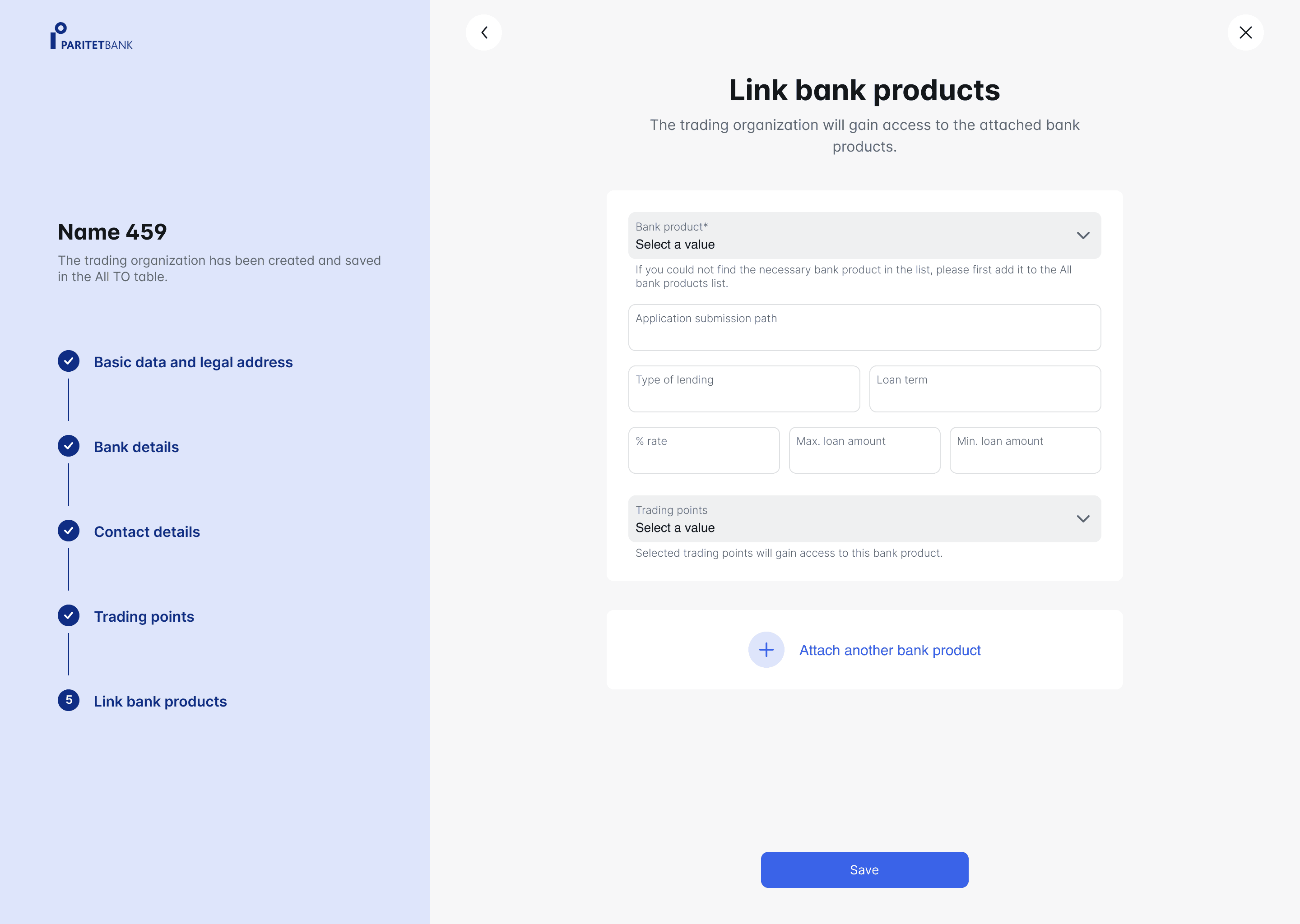
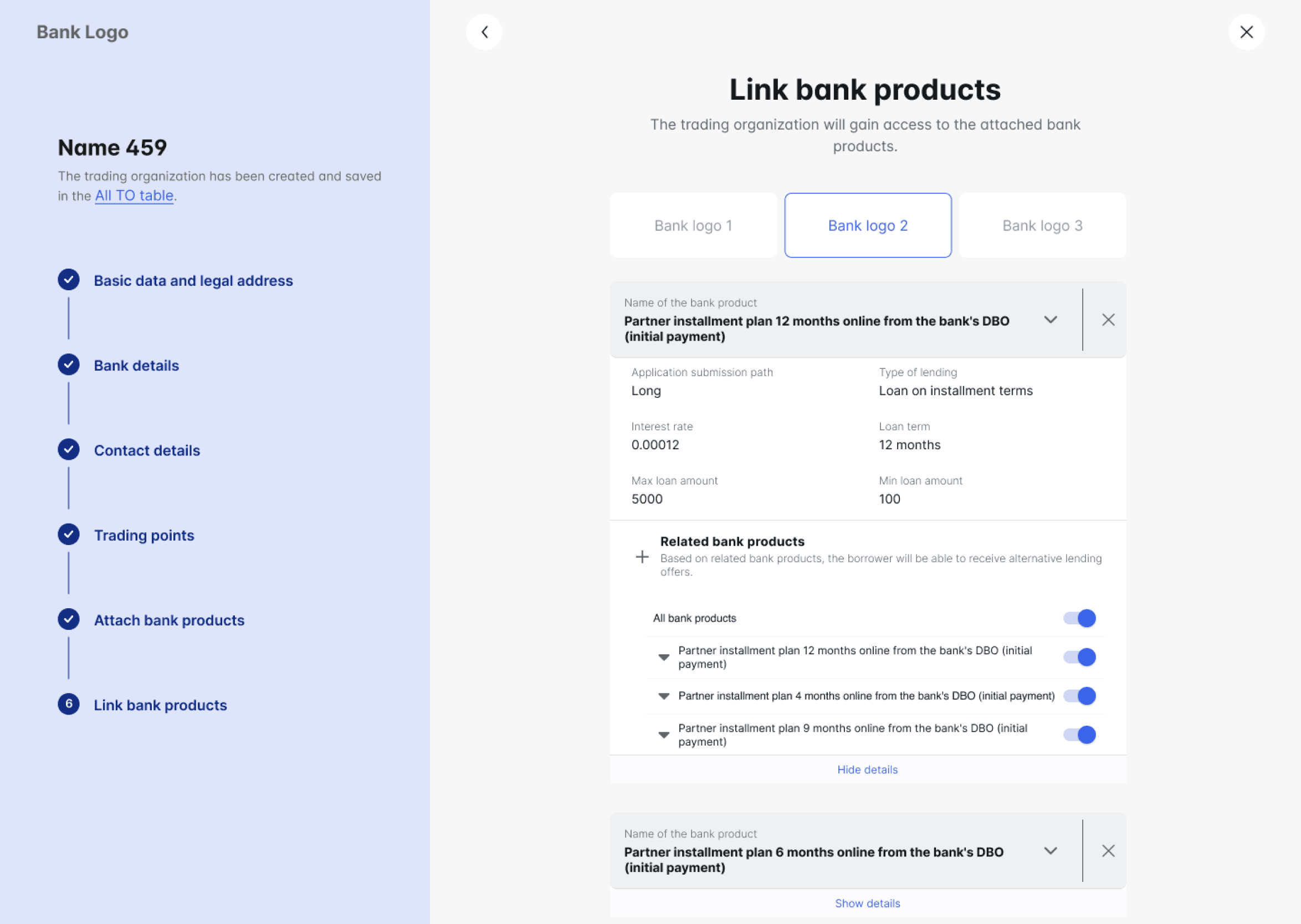
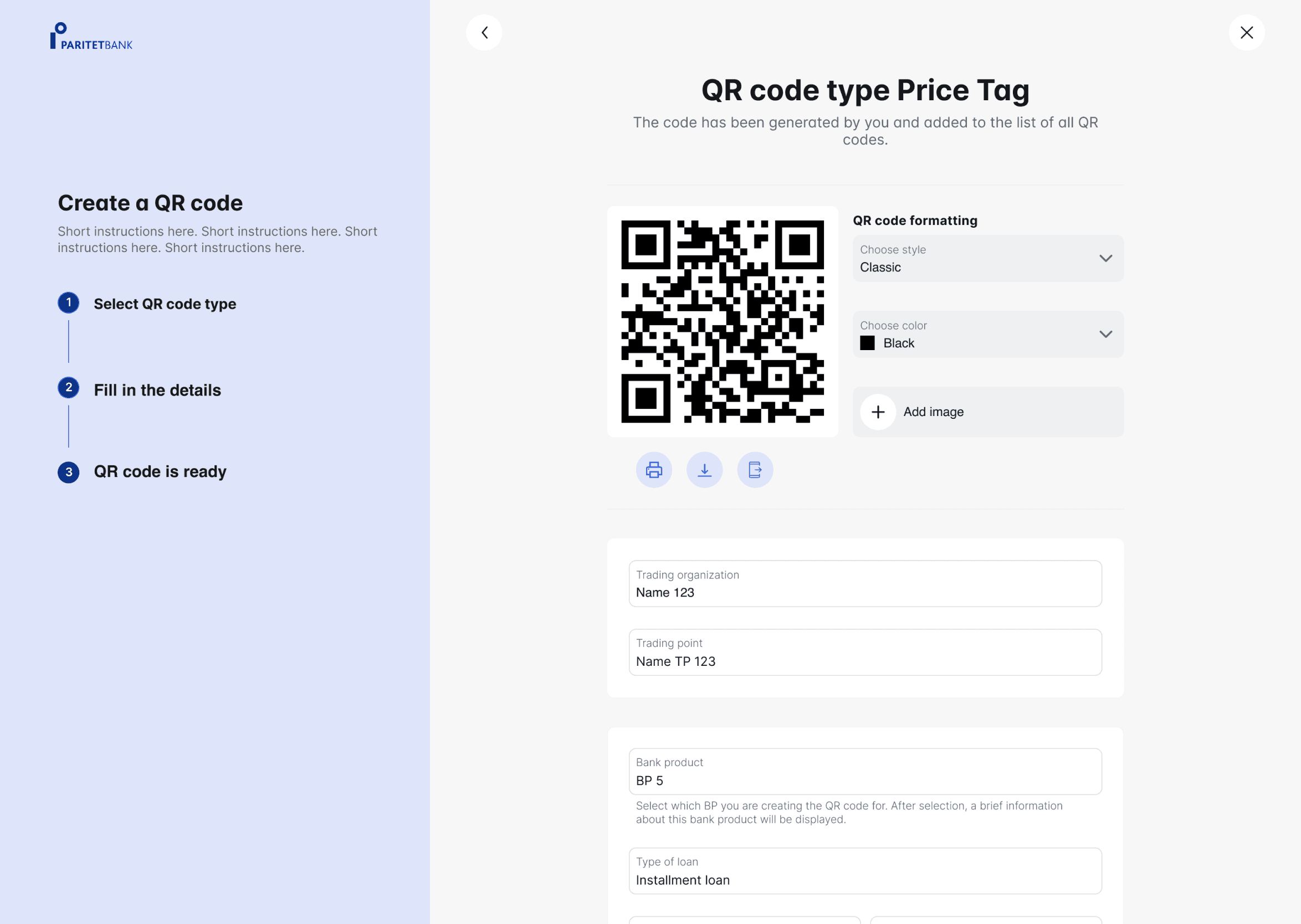
separate flow
04
Outcome
Internal tool that fits users' workflow, supporting 30k+ successfully processed loan requests within the first nine months of operation.
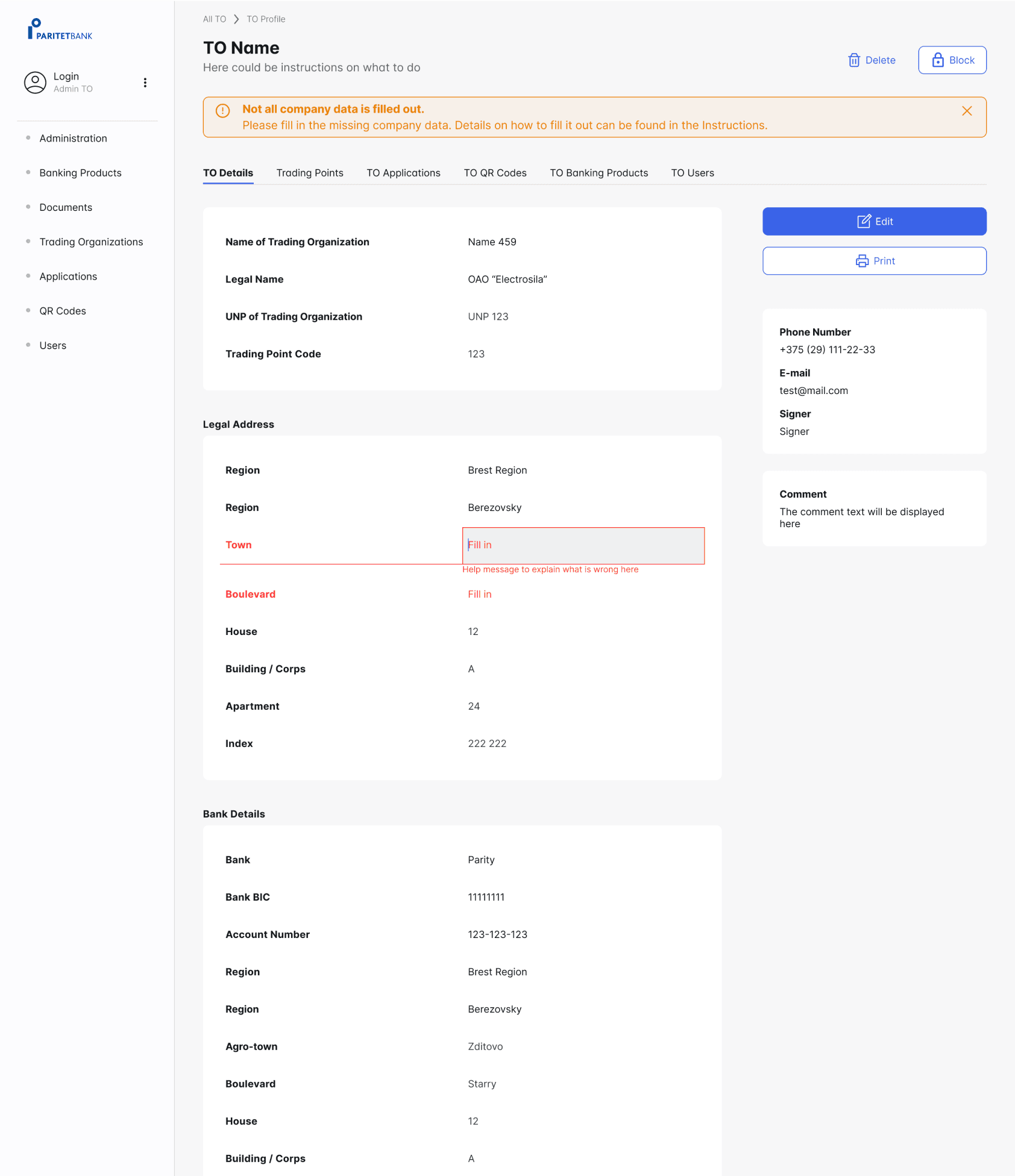
MVP with a scalable & consistent UI foundation aligned with MUI React Library.

What I learned
Respect complexity instead of fighting it
This project showed me that complexity doesn’t disappear. The real design challenge is finding how to navigate the user in it, as well as choosing how much of it users should carry and how much the system should absorb for them.
Good UX is also a business decision
I learned how to advocate for design choices with long-term impact. For example, pushing a more robust entity-creation flow into the MVP meant higher upfront effort, but reduced training needs, errors, and maintenance later. This helped me see UX as a way to reduce complexity, not just for users, but for the business as well.
What's next
The next step is to observe how users work with the tool in their daily context. This will help validate the design decisions and identify where complexity still leaks into the user experience, as well as where the system can further absorb it.
Building a shared design system will prepare the platform for consistent scaling, reduce design and development friction, and allow the team to move faster without sacrificing clarity or quality.
Other projects
FinTech
||
B2C
||
2024
New app design for in-store micro-financing without bank clerks' assistance
Reached 30k+ conversions in 1st year